Play any GIF backward
Reverse the frames of an animated GIF, or turn it into a boomerang that plays forward and then back for a seamless loop. Preview it beside the original and download the result.
Reversed in three steps
- 1
Open your GIF
Choose an animated GIF or drop it on the page. It is decoded in your browser and shown with its frame count and length.
- 2
Choose the direction
Backward plays the frames in reverse order. Boomerang plays them forward and then back. The summary shows the new frame count and loop length.
- 3
Preview and download
Press Reverse GIF, compare the result with the original as both play, then download the new GIF.
What reversing actually does
An optimized GIF often does not store complete pictures. Many frames hold only the small rectangle that changed since the previous frame, plus an instruction for what to do with it afterward. Simply reading those pieces in the opposite order would produce garbage, because each piece assumes the frame before it is already on screen.
So the tool first rebuilds every frame as a complete image at the GIF's full size, applying each frame's disposal instructions exactly as a browser would. Only then is the order changed, and the new sequence is encoded from scratch:
- Each delay travels with its frame. If the original paused for 1 s on its last frame, the reversed GIF pauses for 1 s on its first frame. The total length of a backward GIF is identical to the original.
- The pictures are kept. Frames are re-encoded without dithering or lossy compression. Only a rare GIF whose rebuilt frames contain more than 256 colors needs its colors reduced again.
- The loop setting is kept, whether the original loops forever, a set number of times or plays once.
Frames with no delay at all are read as 0.1 s, which is how browsers play them.
Backward vs. boomerang
A boomerang plays frames 1 to the last, then comes back down, but it skips repeating the last and the first frame at the turning points. Repeating them would make the motion visibly stall at each end. That is why a GIF of n frames becomes 2n − 2 frames:
| Original | Backward | Boomerang |
|---|---|---|
| 4 frames: 1 2 3 4 | 4 3 2 1 | 1 2 3 4 3 2 (6 frames) |
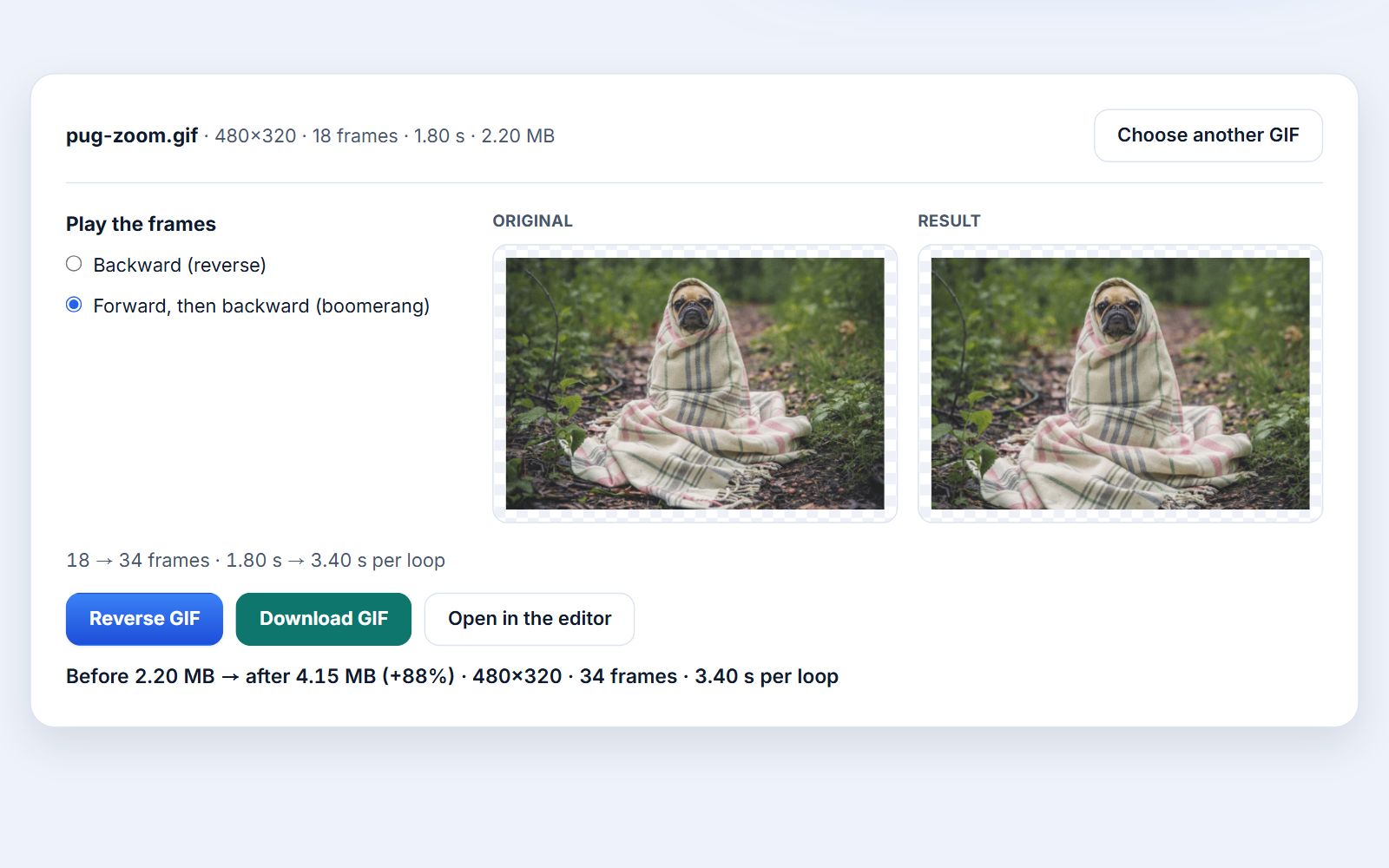
| 18 frames, 1.80 s | 18 frames, 1.80 s | 34 frames, 3.40 s |
| File size | About the same | Roughly double |
The boomerang needs almost twice the data, because the frames on the way back are different pictures from the ones just shown and have to be stored again. In the example above, a 2.20 MB GIF became 4.15 MB (+88%). If that is too large, run the result through the GIF compressor or reduce its size first.
Your GIF never leaves your device
Decoding, reordering and encoding all run in this browser tab with Photoyam's own GIF engine. There is no upload and no copy on a server.
Questions & answers
Does reversing a GIF lower its quality?
No. The frames are rebuilt as complete images and encoded again without dithering or lossy compression, so a normal GIF looks the same, just in a different order.
Why is my boomerang GIF almost twice as big?
It contains nearly twice as many frames: every frame except the first and last is shown twice, once on the way forward and once on the way back, and each of those has to be stored in the file.
Can I reverse only part of a GIF?
Not on this page, which reverses the whole animation. In the Photoyam editor you can select several frames in the Frames panel and use Reverse Frames on just those.
Will the timing stay the same?
Yes. Each frame keeps its own delay. A backward GIF has exactly the same total length; a boomerang lasts about twice as long because it plays the frames twice.
What happens with a GIF that has only one frame?
There is nothing to reverse, so the tool tells you and does not produce a file. Choose an animated GIF instead.
Does it work on a phone?
Yes, in any modern mobile browser. Every frame is held in memory at full size, so very long or very large GIFs are better handled on a computer.
Good uses for reversed and boomerang GIFs
- Seamless loops: motion that does not end where it started, such as a camera push-in or a door opening, jumps back abruptly when it loops. A boomerang turns it into a smooth back-and-forth.
- Rewind effects: a spill flowing back into a cup or a jump that ends on the diving board makes an instant reaction GIF.
- Interface demos: a reversed screen recording shows how to undo an action, using the same capture.
- Product spins: a half rotation recorded once becomes a turntable that swings left and right.
Learn more