Guides
Practical, step-by-step articles on editing, converting and preparing images, each written around one real job and how to do it well.
Each guide explains what is actually happening to your image, walks through the steps in Photoyam, and covers the mistakes that trip people up. Everything here can be done in your browser without uploading anything: Photoyam processes files on your own device, so the same steps are safe for client work, ID photos and anything else you would rather keep private.
Looking for a specific job? Browse all tools, or open the full editor for layers, masks and selections.
Getting started & editing basics
-
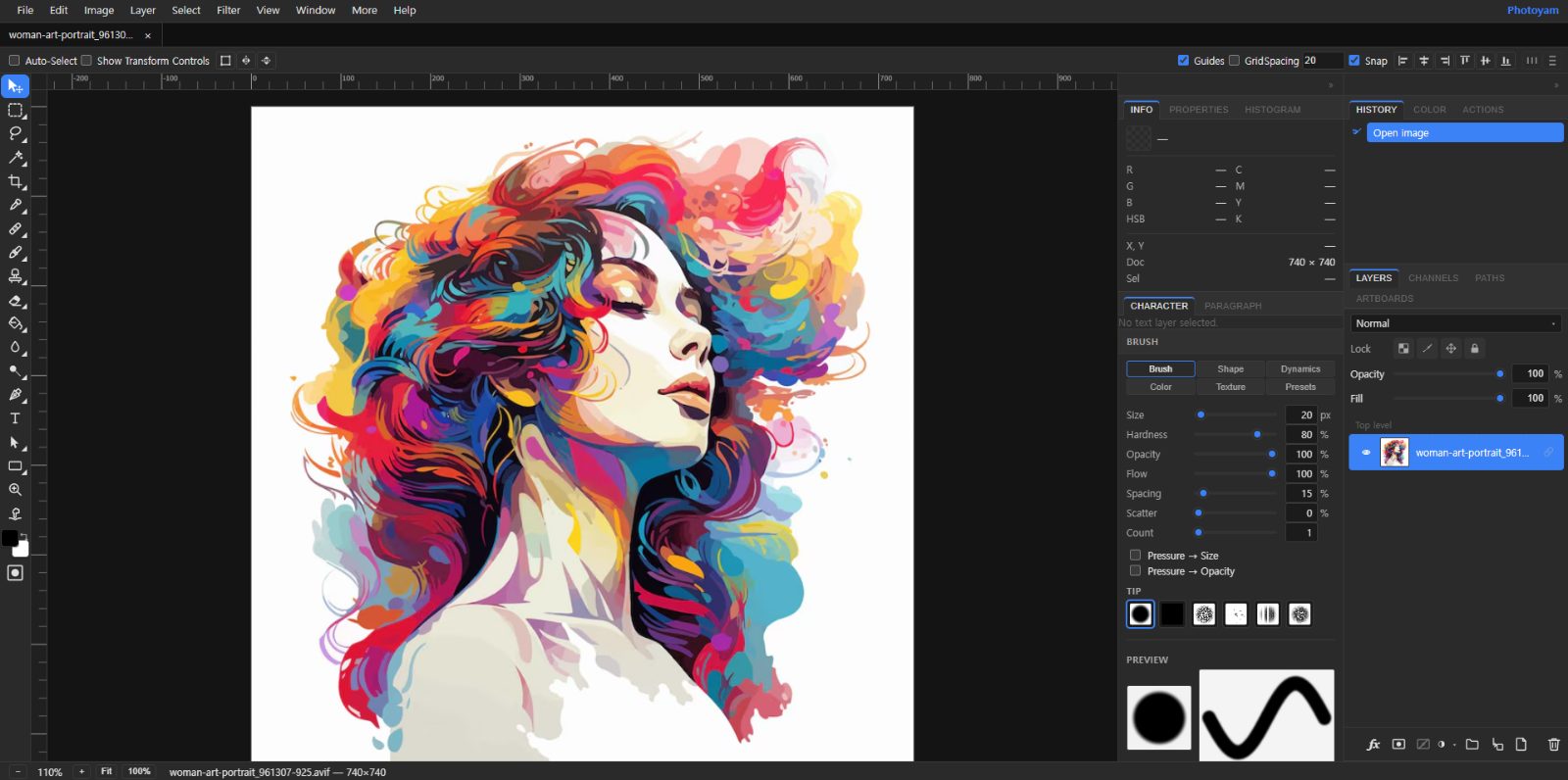 Layers and Layer Masks Explained, With an Example
How layers, opacity, blend modes and masks work, walked through by blending two photos with a mask.
9 min read
Layers and Layer Masks Explained, With an Example
How layers, opacity, blend modes and masks work, walked through by blending two photos with a mask.
9 min read
-
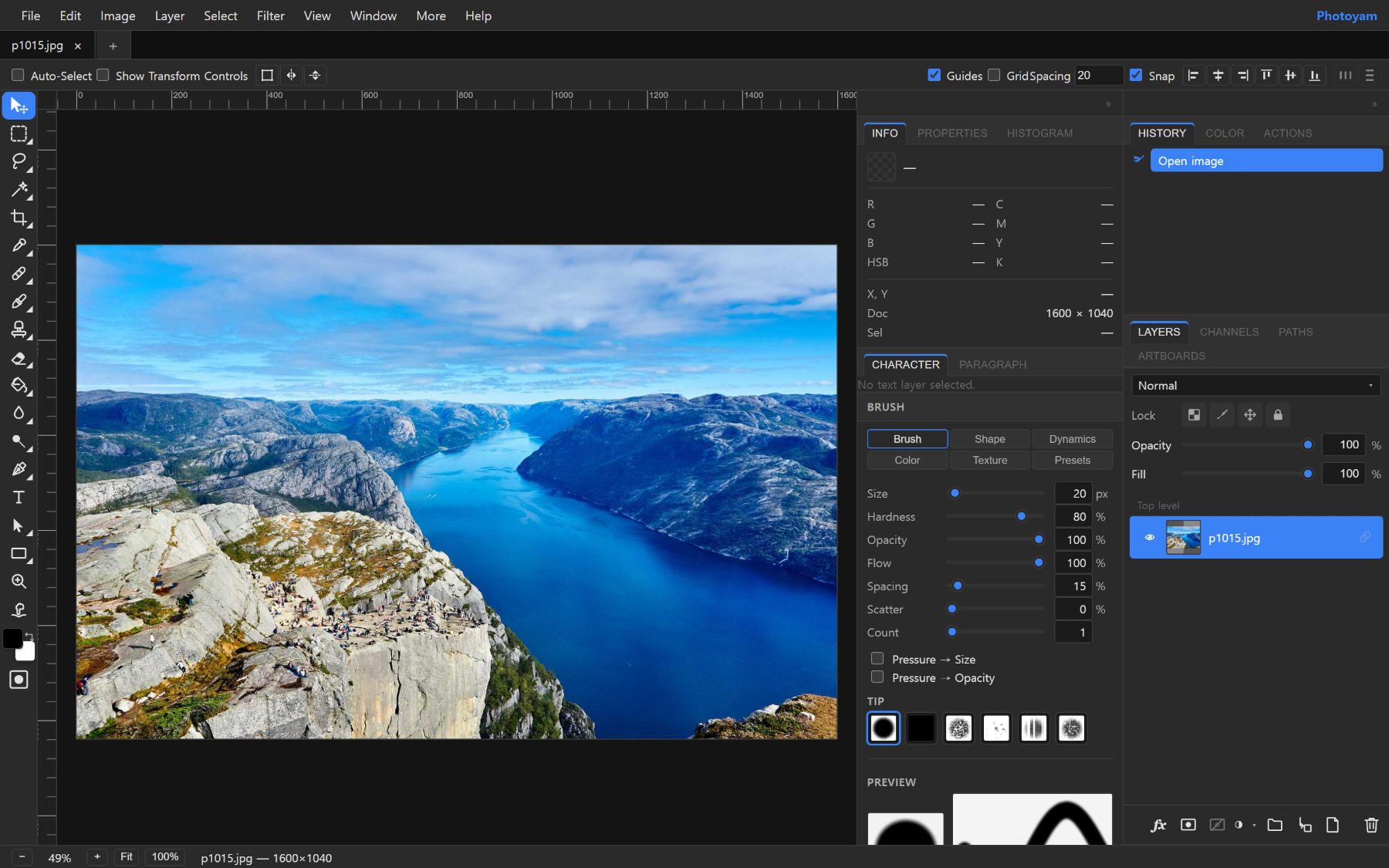 How to Open and Edit PSD Files Without Photoshop
What a PSD file contains, what a browser editor keeps live, and how to open and re-save one without Photoshop.
9 min read
How to Open and Edit PSD Files Without Photoshop
What a PSD file contains, what a browser editor keeps live, and how to open and re-save one without Photoshop.
9 min read
Transform & non-destructive editing
-
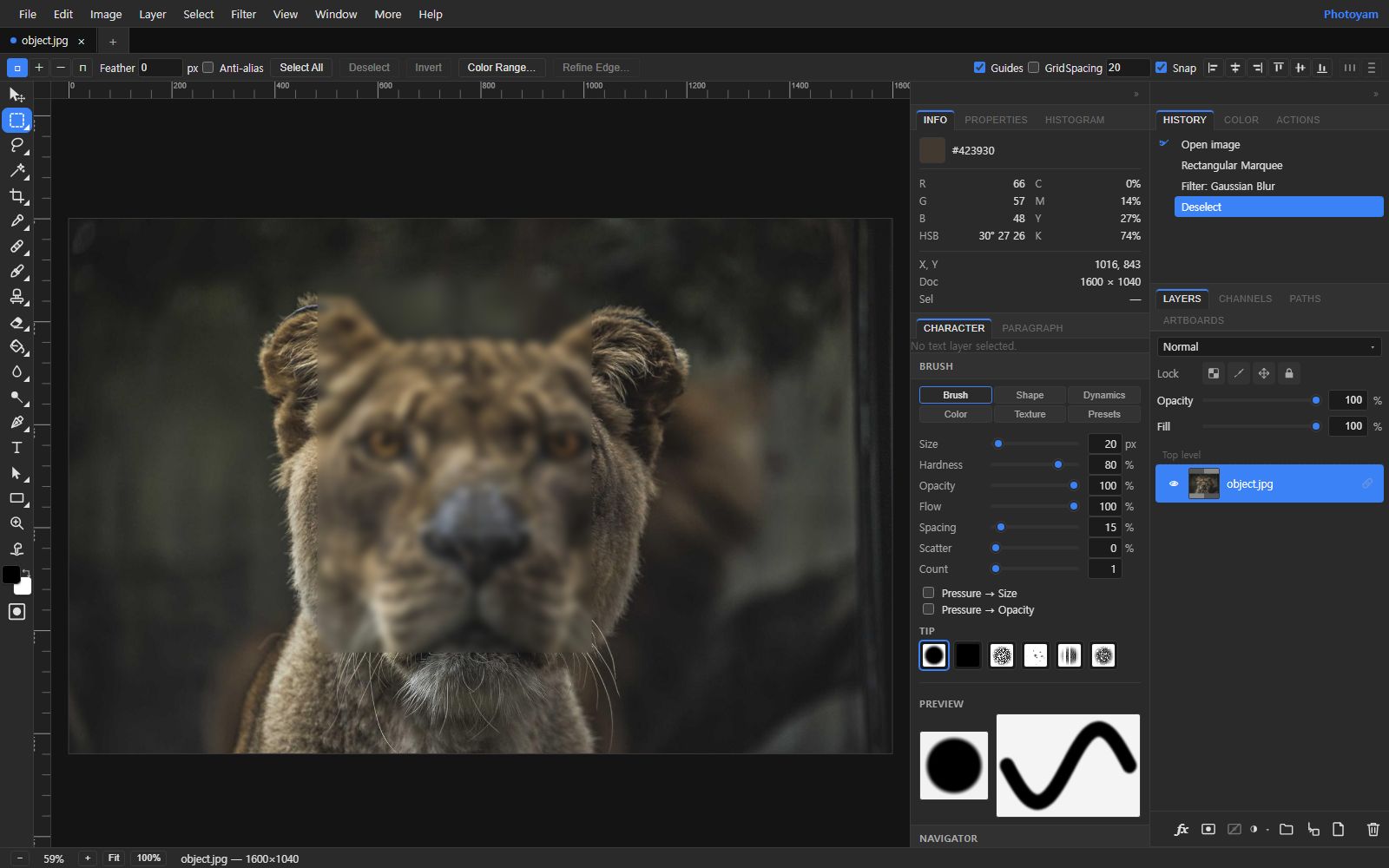 Smart Filters: Non-Destructive Filters You Can Edit Later
Add filters you can re-edit, reorder, fade and mask at any time, without ever changing the original pixels.
8 min read
Smart Filters: Non-Destructive Filters You Can Edit Later
Add filters you can re-edit, reorder, fade and mask at any time, without ever changing the original pixels.
8 min read
-
Warp, Mesh Warp and Puppet Warp Explained
Choose the right reshaping tool, place puppet pins that behave, and bend labels, poses and objects naturally.
8 min read
Color & tone
-
Levels and Curves Explained: Fix Exposure and Contrast
Histograms, black and white points, gamma, per-channel color correction and the S-curve, explained simply.
8 min read
-
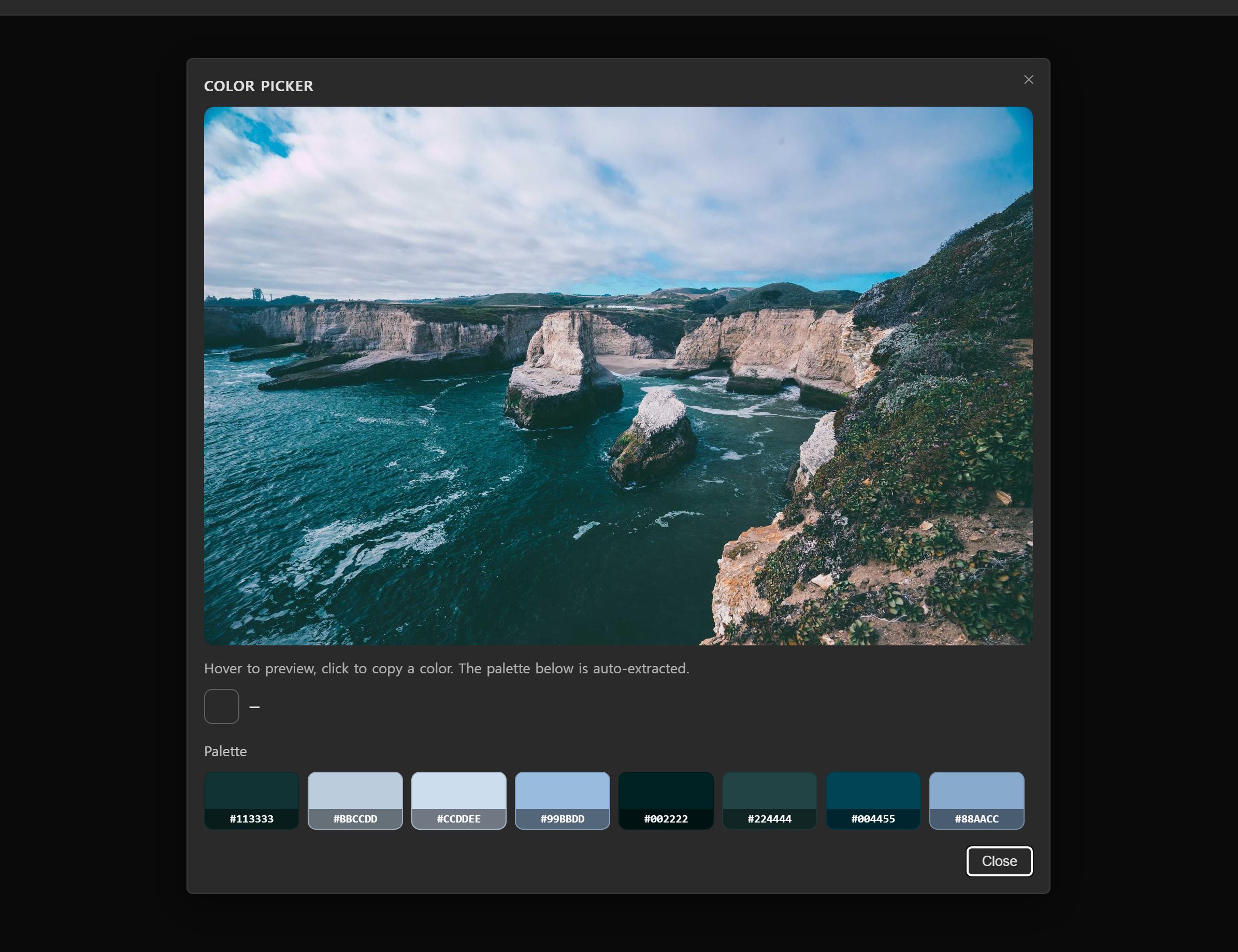 Camera Raw Filter Basics: Temperature, Clarity, Dehaze
The 13 Basic sliders explained: what each does, the order to use them in, and mistakes to avoid.
8 min read
Camera Raw Filter Basics: Temperature, Clarity, Dehaze
The 13 Basic sliders explained: what each does, the order to use them in, and mistakes to avoid.
8 min read
-
Blend Modes Explained: What Each One Does
All 27 layer blend modes grouped by family, plus recipes for shadows, glows, texture overlays and recoloring.
8 min read
Formats & file size
-
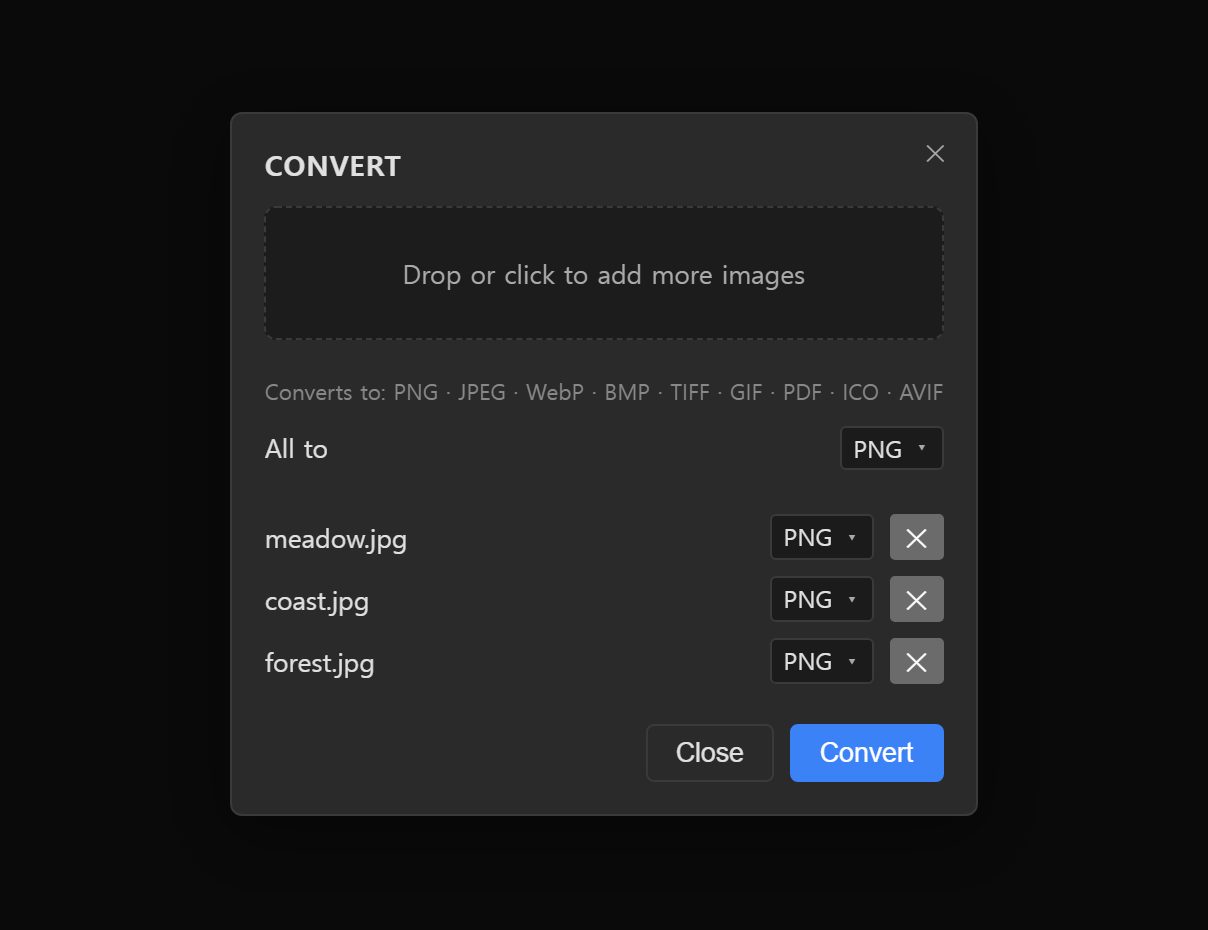 JPG vs PNG vs WebP vs AVIF vs HEIC: Which to Use
How JPG, PNG, WebP, AVIF and HEIC differ, and which format to pick for photos, logos, cut-outs and print.
8 min read
JPG vs PNG vs WebP vs AVIF vs HEIC: Which to Use
How JPG, PNG, WebP, AVIF and HEIC differ, and which format to pick for photos, logos, cut-outs and print.
8 min read
-
What Is a HEIC File and How to Convert HEIC to JPG
Why iPhones save photos as HEIC, why some apps can't open them, and how to convert HEIC to JPG in your browser.
8 min read
-
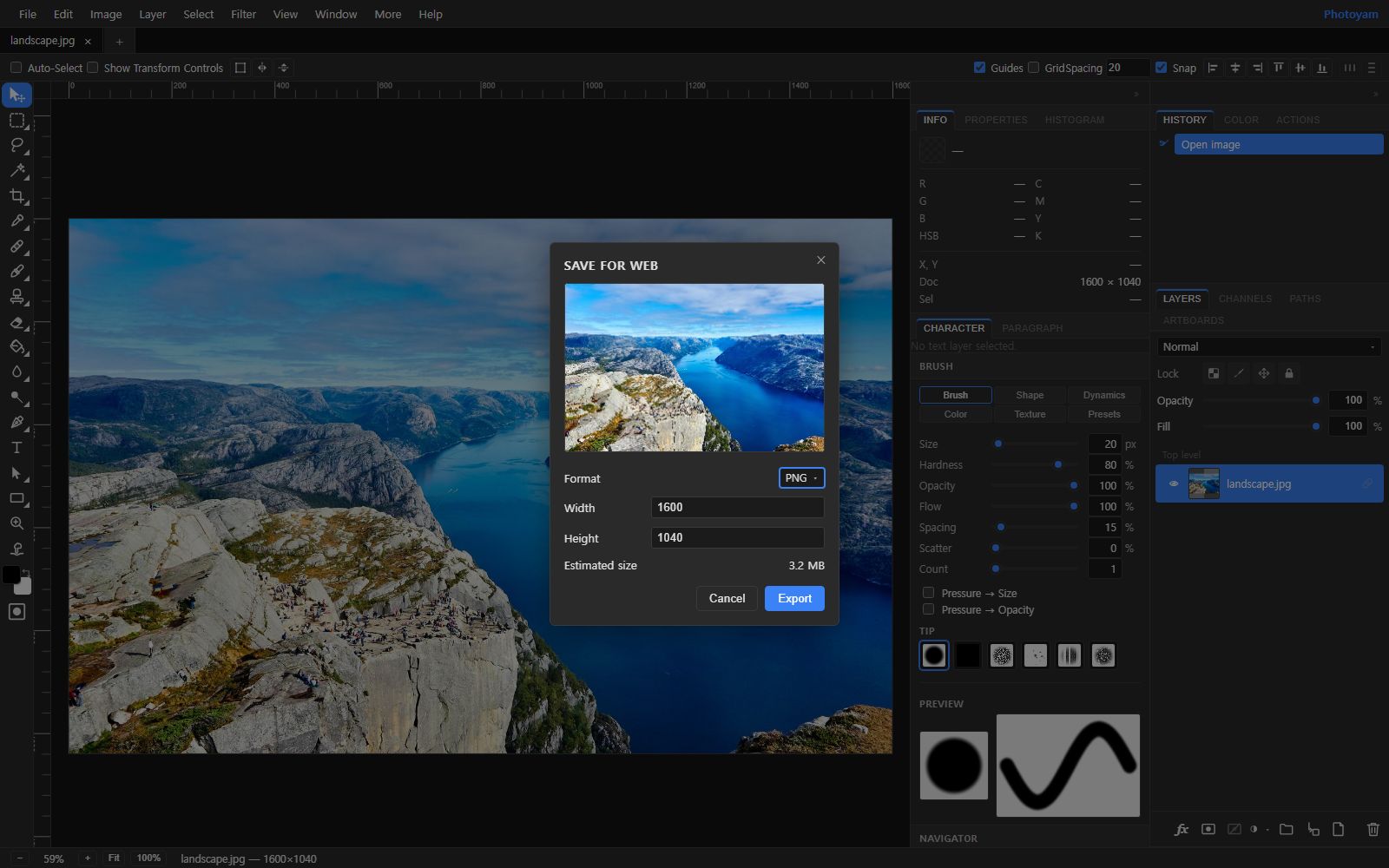 How to Compress Images Without Losing Quality
How compression works, why resizing first matters most, and which quality settings to use for JPG and WebP.
8 min read
How to Compress Images Without Losing Quality
How compression works, why resizing first matters most, and which quality settings to use for JPG and WebP.
8 min read
Resize, crop & rotate
-
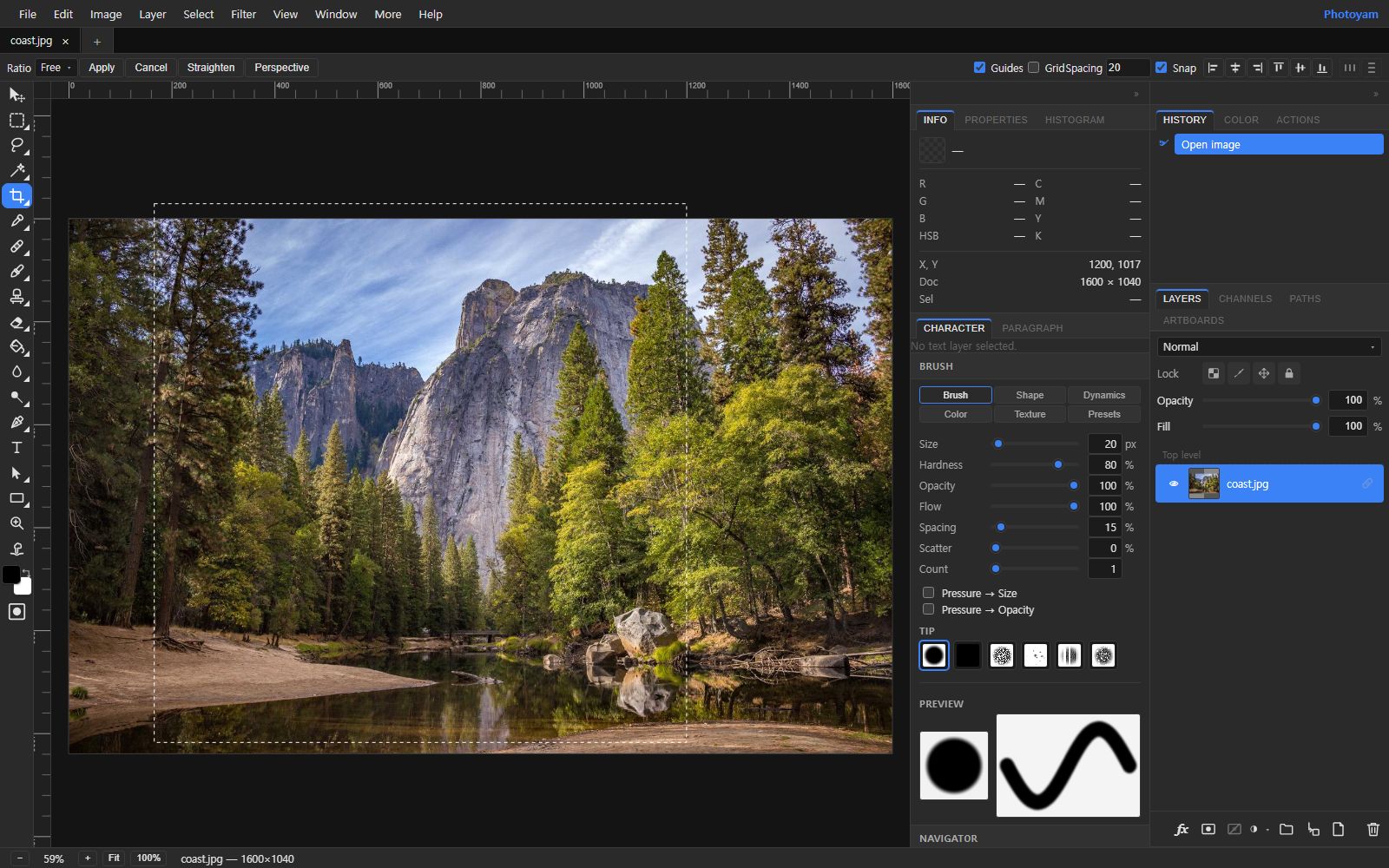 How to Crop Photos Well: Composition, Ratios, Straightening
Composition basics, choosing an aspect ratio, keeping enough resolution, and straightening a tilted horizon.
8 min read
How to Crop Photos Well: Composition, Ratios, Straightening
Composition basics, choosing an aspect ratio, keeping enough resolution, and straightening a tilted horizon.
8 min read
-
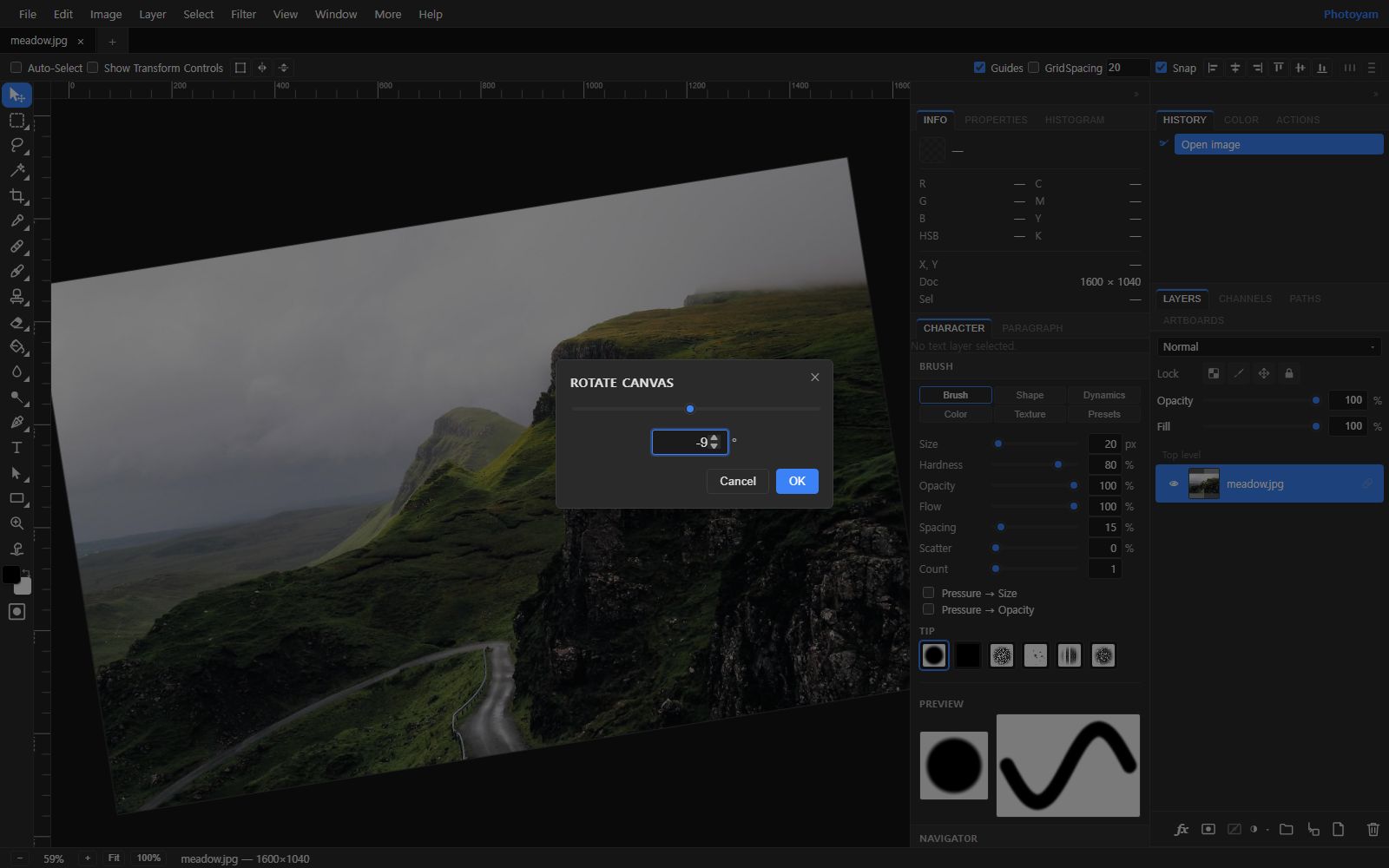 How to Rotate, Straighten and Flip Images
Why phone photos show up sideways, 90-degree vs any-angle rotation, and saving a rotated JPG cleanly.
8 min read
How to Rotate, Straighten and Flip Images
Why phone photos show up sideways, 90-degree vs any-angle rotation, and saving a rotated JPG cleanly.
8 min read
-
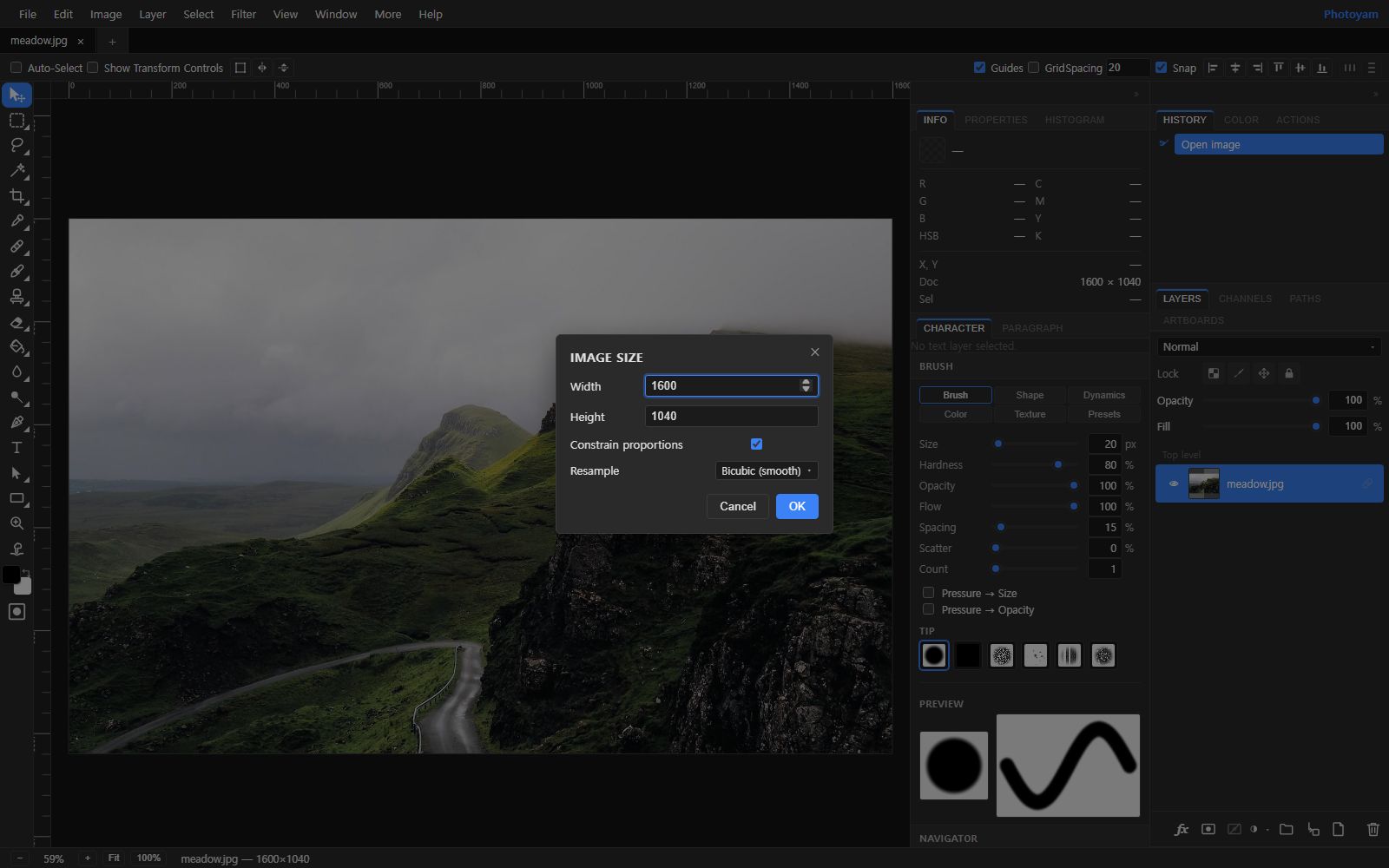 Image Sizes for Social Media: A Practical Guide to Resizing
Common social media dimensions, safe zones, and when to crop instead of resize.
8 min read
Image Sizes for Social Media: A Practical Guide to Resizing
Common social media dimensions, safe zones, and when to crop instead of resize.
8 min read
Retouching
-
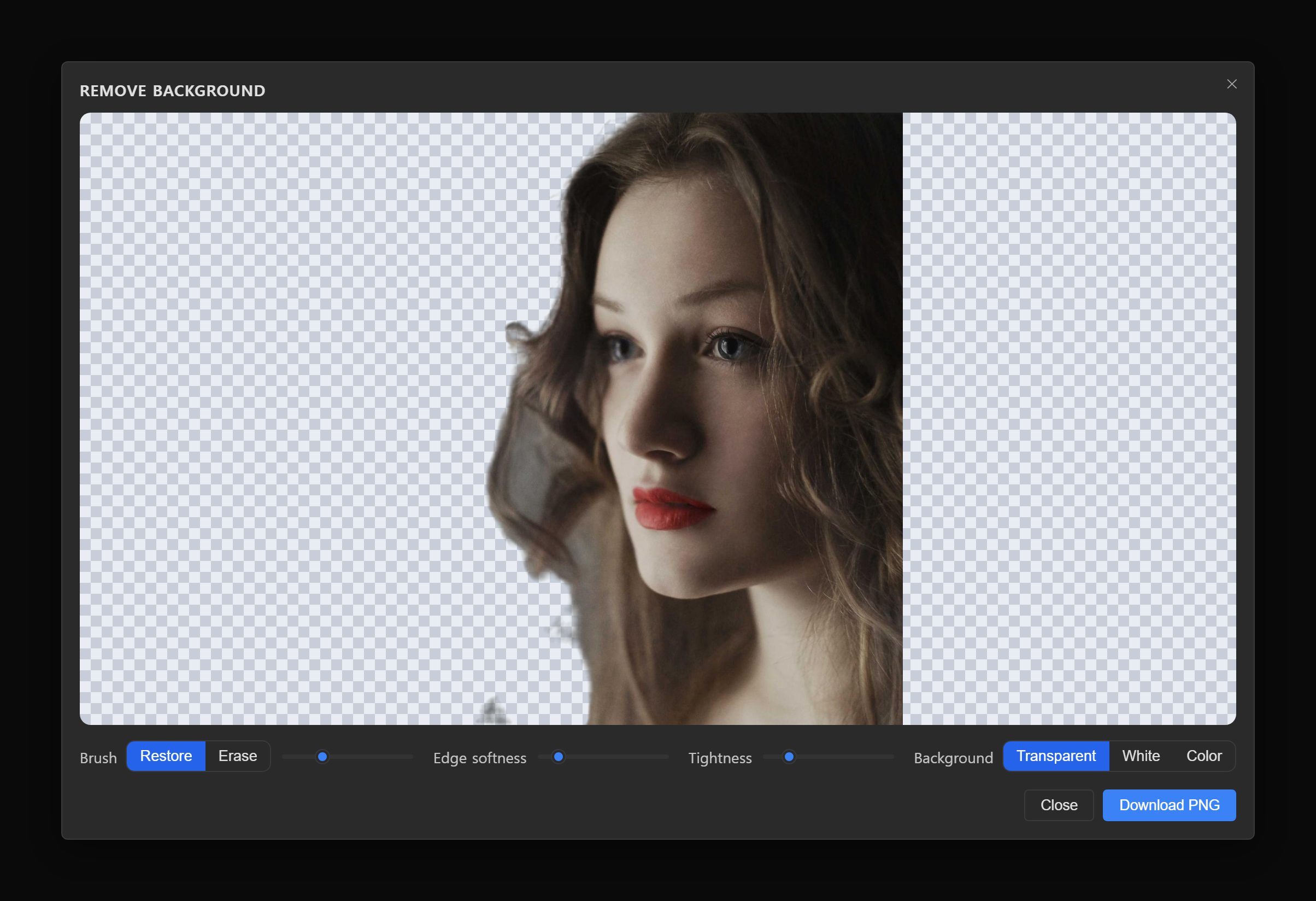 How to Remove the Background from a Photo (Free, No Upload)
How automatic cut-outs work, a step-by-step walkthrough, and fixes for hair, glass and soft edges.
8 min read
How to Remove the Background from a Photo (Free, No Upload)
How automatic cut-outs work, a step-by-step walkthrough, and fixes for hair, glass and soft edges.
8 min read
-
How to Remove Unwanted Objects from a Photo
How Content-Aware Fill and the healing tools work, which one to pick, and how to fix repeats and seams.
8 min read
-
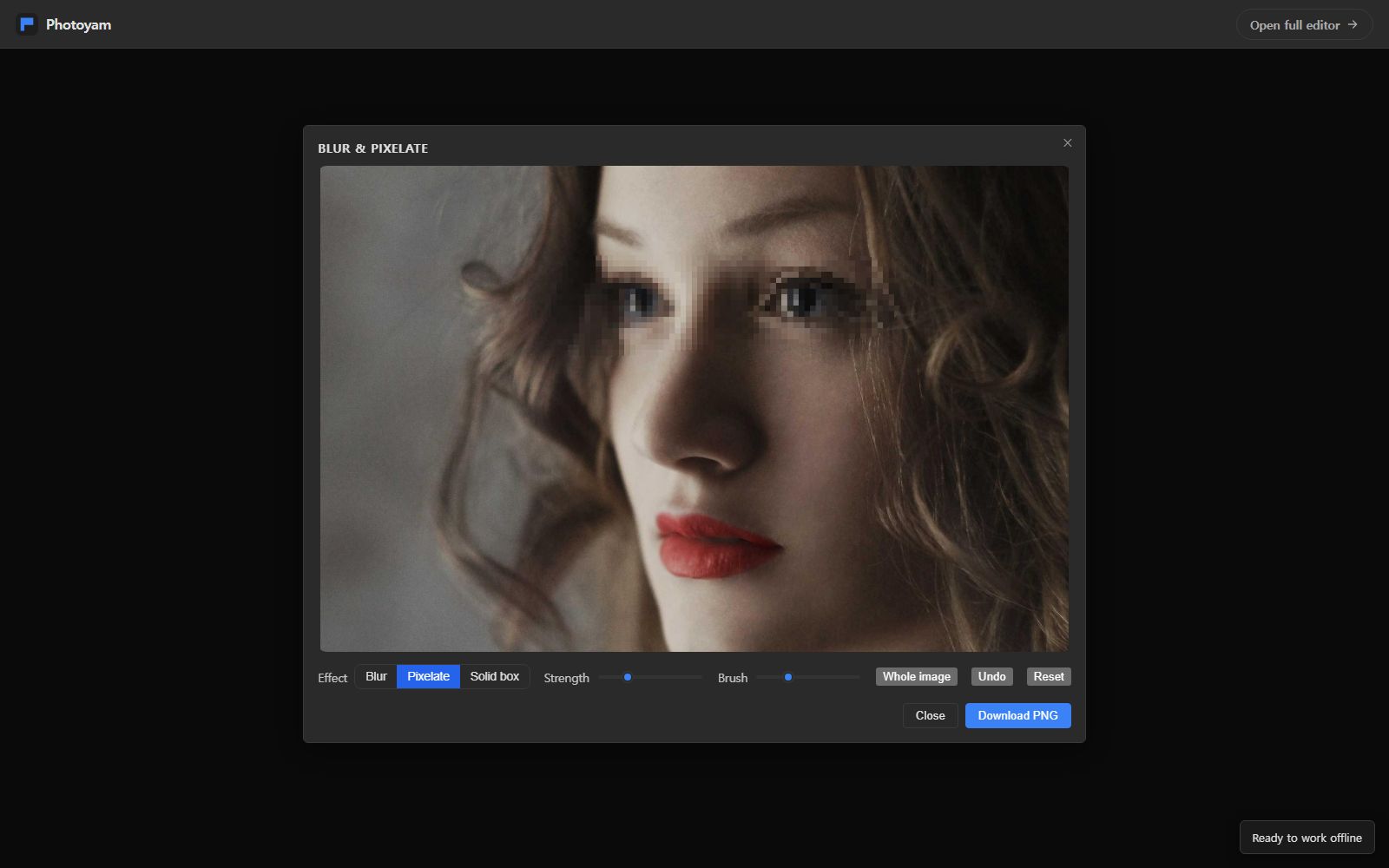 How to Blur Faces, License Plates and Private Info
Blur vs pixelate vs a solid box for hiding faces and private info, and why a light blur can be reversed.
8 min read
How to Blur Faces, License Plates and Private Info
Blur vs pixelate vs a solid box for hiding faces and private info, and why a light blur can be reversed.
8 min read
Practical projects
-
How to Make Clean Product Photos for an Online Store
From phone snapshot to a consistent, white-background listing image: light, crop, color, cut-out and export.
8 min read
-
How to Make a Passport or ID Photo at Home
Shoot, crop, resize and print a compliant-looking ID photo, and know which rules to check before you submit it.
8 min read
Text & effects
-
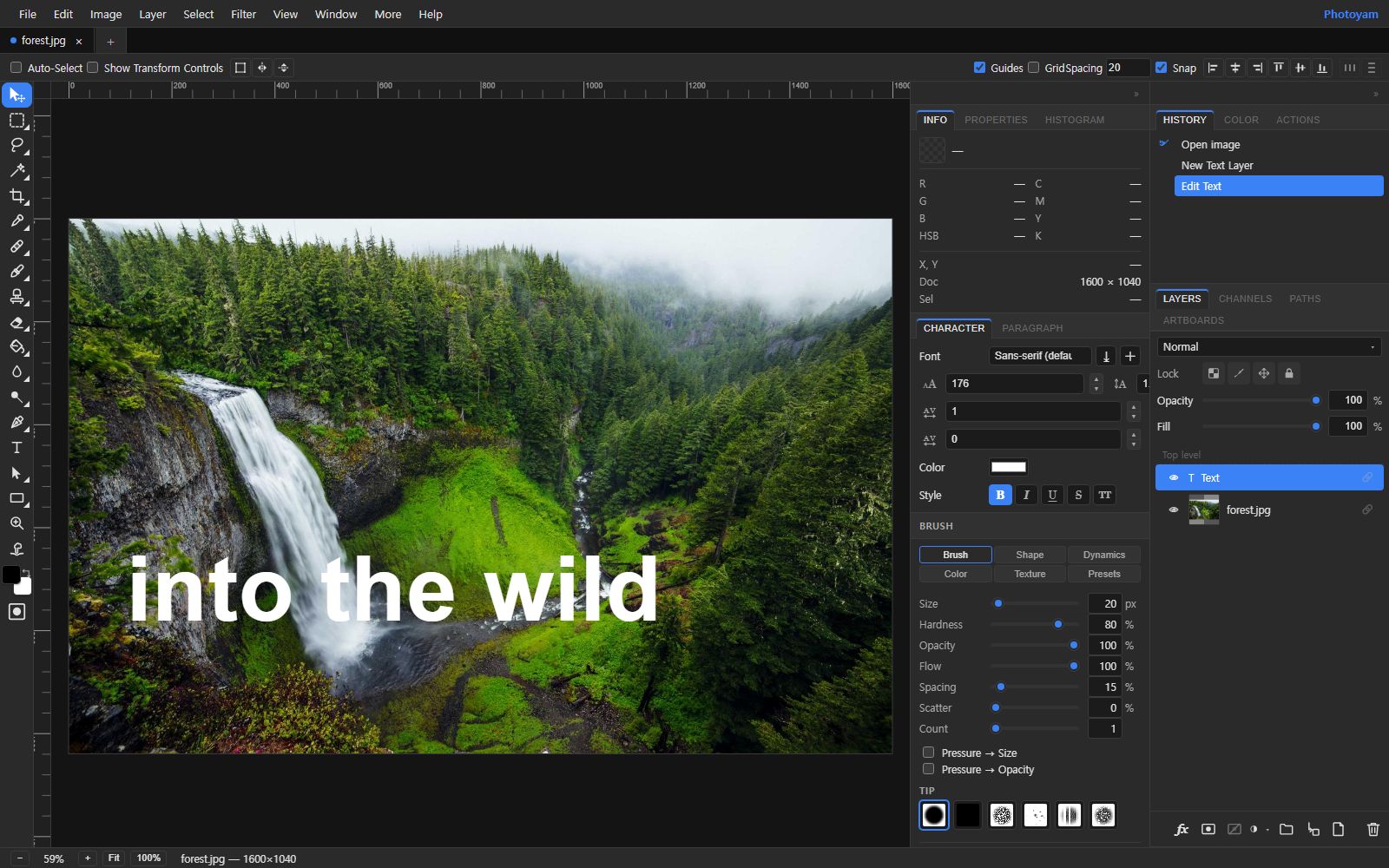 How to Add Text to a Photo: Readable Captions
Keeping captions readable with contrast, shadows and strokes, gradient bands, and social safe zones.
8 min read
How to Add Text to a Photo: Readable Captions
Keeping captions readable with contrast, shadows and strokes, gradient bands, and social safe zones.
8 min read
-
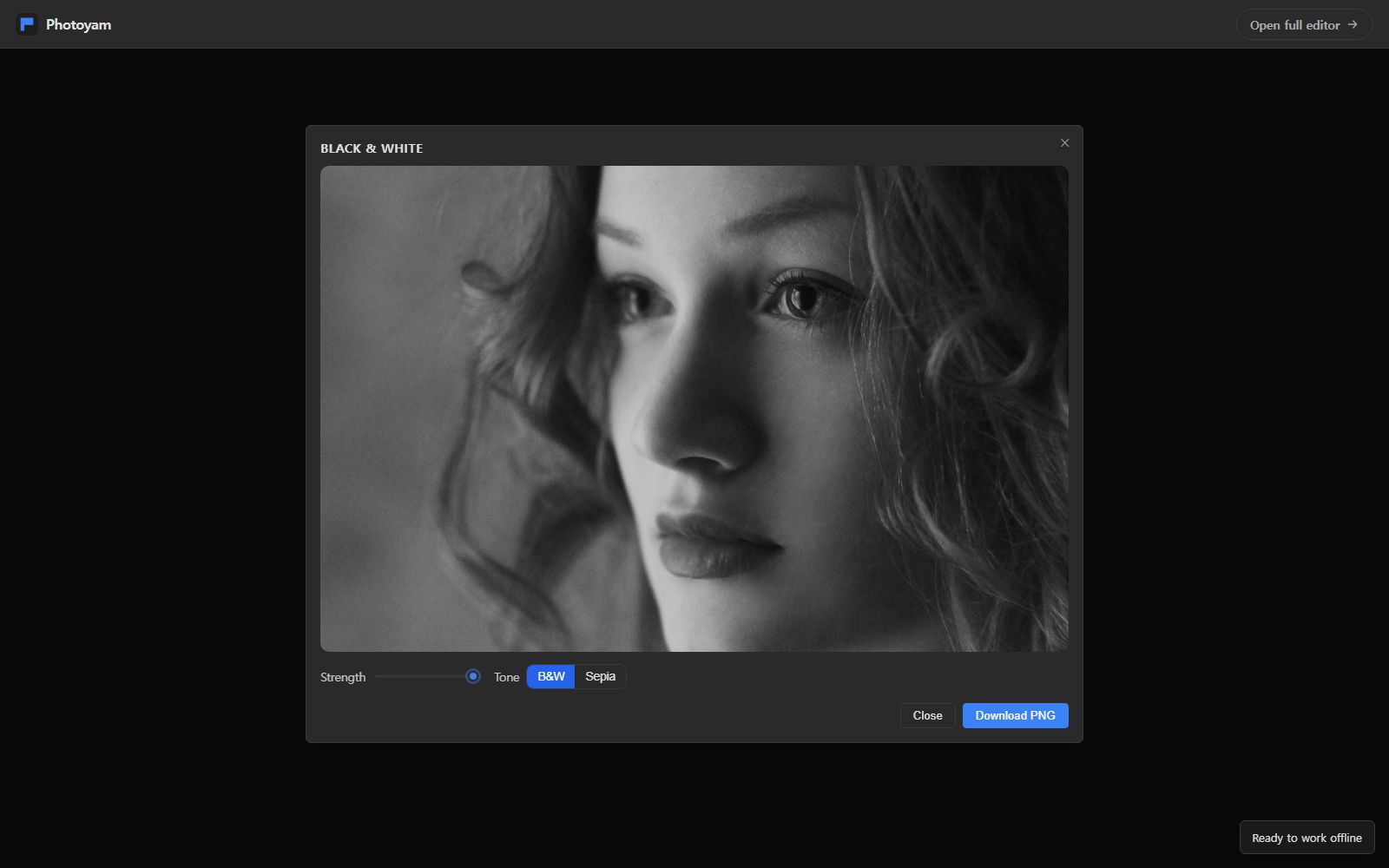 How to Convert a Photo to Black and White
Why a plain desaturate looks flat, per-color black and white mixing, and adding contrast with Curves.
8 min read
How to Convert a Photo to Black and White
Why a plain desaturate looks flat, per-color black and white mixing, and adding contrast with Curves.
8 min read